 Switch Focus
Calibrate in a minute
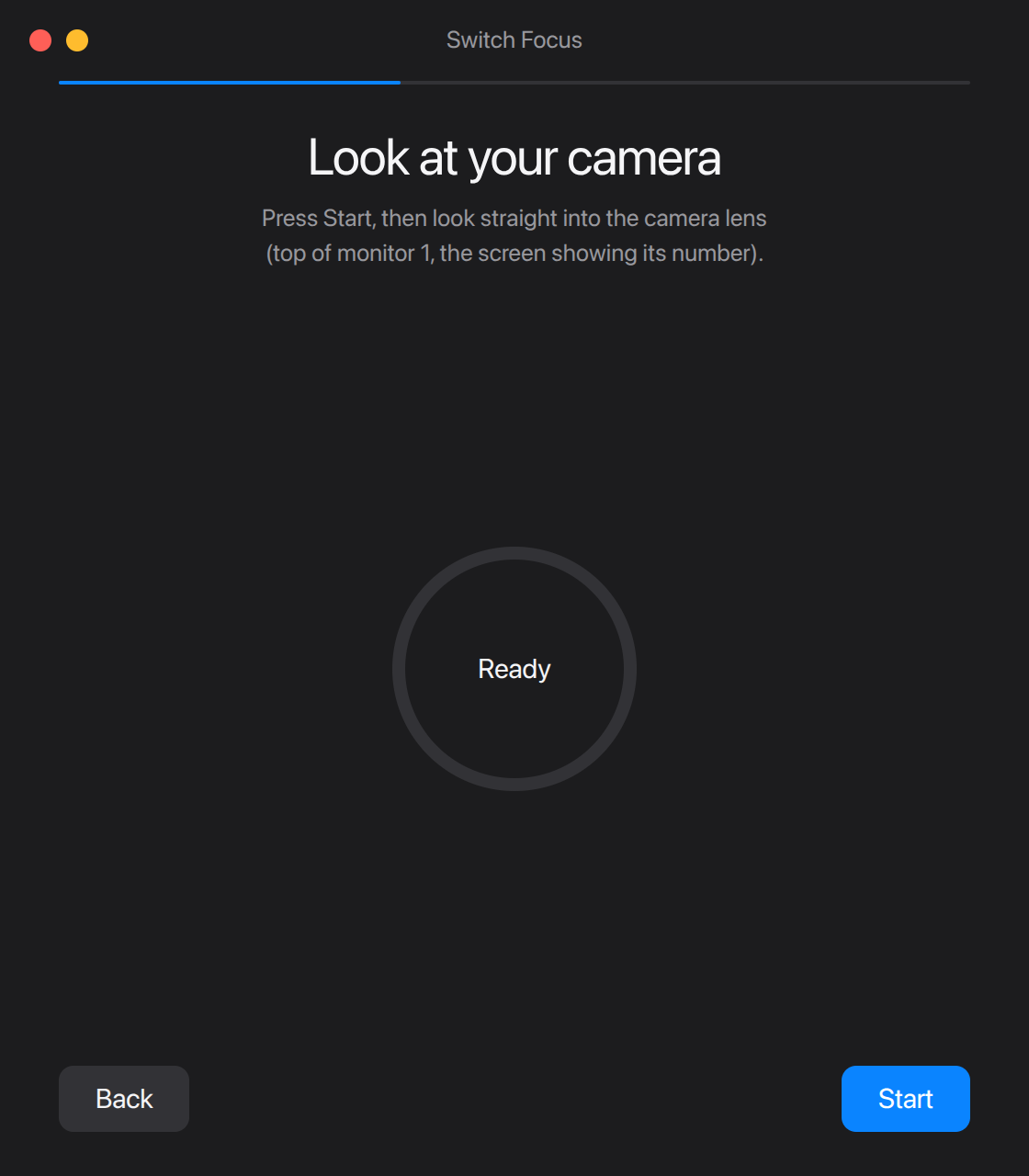
Look at your camera, then at a few dots on each screen. Switch Focus learns where your monitors are.
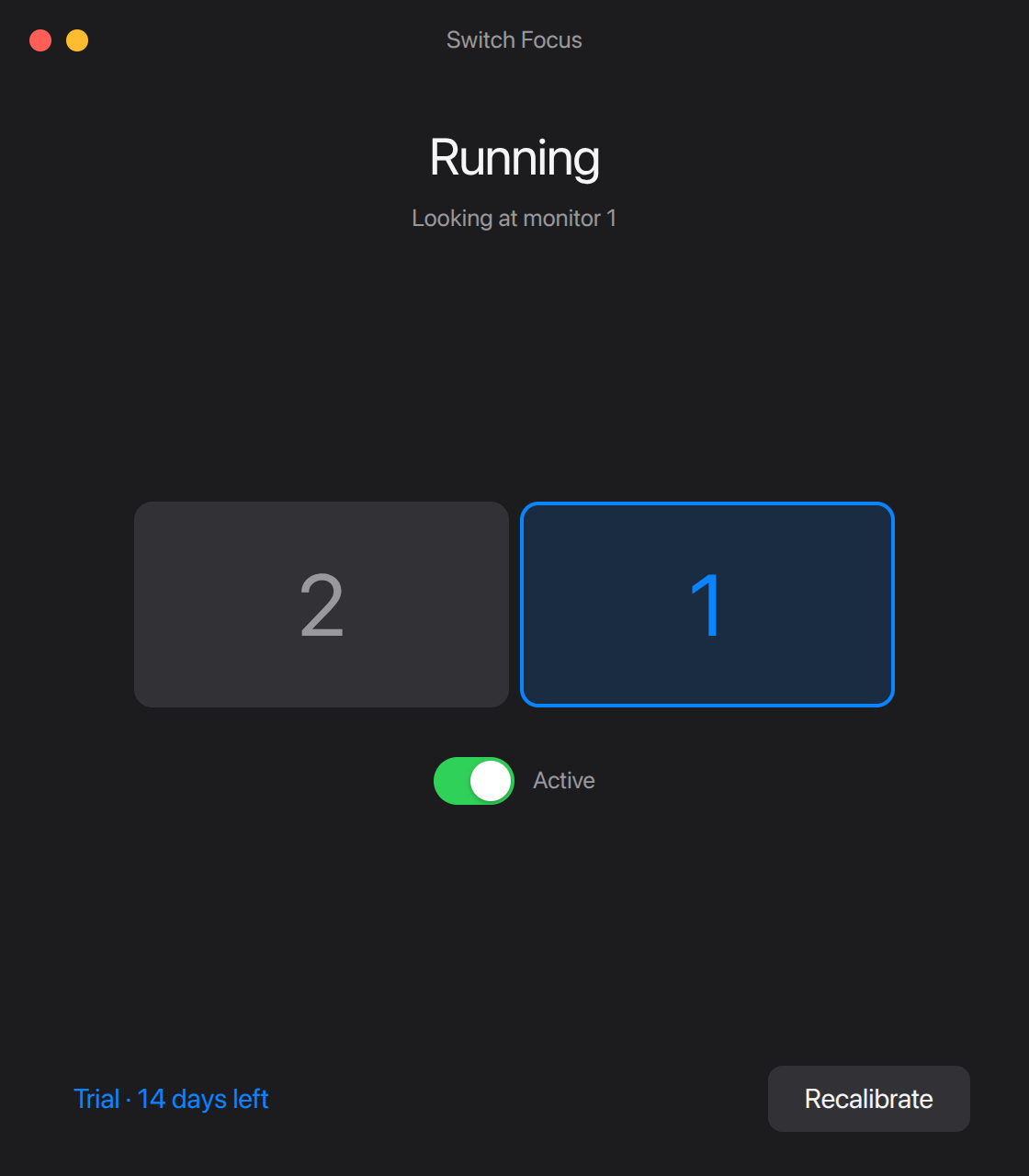
Switch Focus moves your keyboard and mouse to whichever monitor you look at, using the webcam you already have.
14-day free trial · No account needed
No shortcuts to learn, no clicking a window first. Your eyes are already on the right screen.
Look at your camera, then at a few dots on each screen. Switch Focus learns where your monitors are.
Glance at another monitor and focus follows in a blink. A quick look at the edge of a screen won't pull it away.
Keystrokes land in the window on the screen you're looking at, and the mouse is already there.
Face tracking runs entirely on your computer. Nothing is recorded, and no video ever leaves it.
Tracking uses Google's MediaPipe on your own processor. It keeps working without internet.
Camera frames are read, turned into a head direction, and thrown away. Nothing is saved or uploaded.
Download it and start the trial. No sign-up, no email, no card. Privacy policy
Try everything free for 14 days. If it earns a place on your desk, buy it once.
$19 one time
7-day refund, no questions asked. Refund policy
Secure checkout by Polar.
X11 desktops, as an AppImage that updates itself or a .deb package.
Download for LinuxWindows 10 and 11. Your license will work on it too.
Starting as a beta. Your license will work on it too.
One email when it launches, nothing else.
No. Each camera frame is turned into a few numbers (which way your head and eyes point) on your computer and then discarded. Nothing is stored or sent anywhere.
Two or more monitors and a webcam on one of them, built-in or USB. On Linux it needs an X11 session (most distributions offer one at the login screen) and the tools xdotool and x11-utils; the .deb installs them for you. Wayland support is planned.
It needs to see your face clearly, so a normally lit room works best, and a bright window behind you makes tracking less reliable. The 14-day trial is there so you can find out on your own desk before paying.
Switch Focus stops switching until you add a license key. Your calibration is kept, so it picks up right where you left off.
A key works on up to 3 computers at once. To free one up, open Switch Focus on it, go to License and choose Deactivate this computer. Then enter the key on the new one.
Yes. Email hello@switchfocus.app within 7 days of buying and you'll get your money back, no questions asked. Refund policy